Resizing Scrollbars in Flex
I had to create bigger scrollbars, for a flex project which had to run on touchscreens. Their isn’t a real style or property which enables you to do this, but thanks to programmatic skinning, it is quite easy.
First of all, create a class which extends mx.skins.halo.ScrollTrackSkin. In this class, you override the measuredWidth() and updateDisplayList() functions:
override public function get measuredWidth():Number
{
    return 50;
}

override protected function updateDisplayList(w:Number, h:Number):void
{
    super.updateDisplayList(50, h);
}
After that, create a class which extends mx.skins.halo.ScrollThumbSkin. In this class, you have to provide the same methods:
override public function get measuredWidth():Number
{
    return 50;
}

override protected function updateDisplayList(w:Number, h:Number):void
{
    super.updateDisplayList(50, h);
}
The last class you have to create, is for the scrollbar arrows. This class extends mx.skins.halo.ScrollArrowSkin. Again, you have to override some methods: measuredWidth, measuredHeight and updateDisplayList:
override public function get measuredWidth():Number
{
    return 50;
}

override public function get measuredHeight():Number
{
    return 50;
}

override protected function updateDisplayList(w:Number, h:Number):void
{
    super.updateDisplayList(50, 50);
}
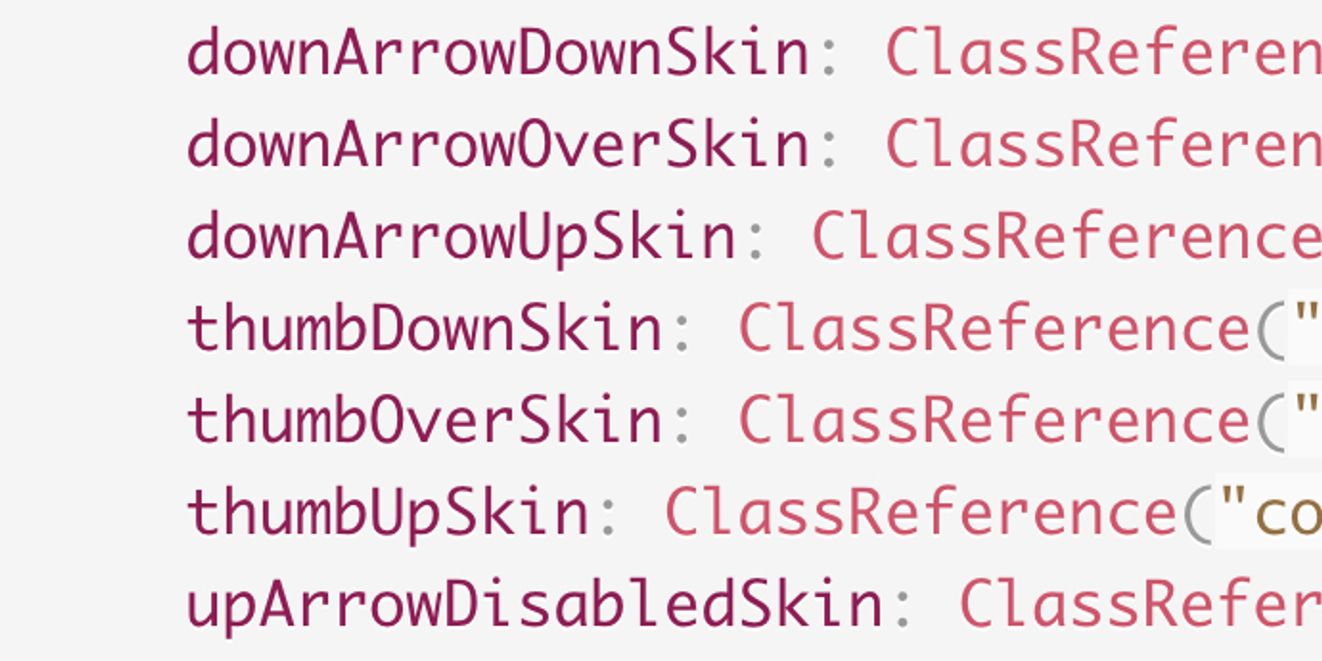
The final step, is to link these classes in your css file:
ScrollBar
{
    trackSkin: ClassReference("com.mydomain.BigScrollTrackSkin");
    downArrowDisabledSkin: ClassReference("com.mydomain.BigScrollArrowSkin");
    downArrowDownSkin: ClassReference("com.mydomain.BigScrollArrowSkin");
    downArrowOverSkin: ClassReference("com.mydomain.BigScrollArrowSkin");
    downArrowUpSkin: ClassReference("com.mydomain.BigScrollArrowSkin");
    thumbDownSkin: ClassReference("com.mydomain.BigScrollThumbSkin");
    thumbOverSkin: ClassReference("com.mydomain.BigScrollThumbSkin");
    thumbUpSkin: ClassReference("com.mydomain.BigScrollThumbSkin");
    upArrowDisabledSkin: ClassReference("com.mydomain.BigScrollArrowSkin");
    upArrowDownSkin: ClassReference("com.mydomain.BigScrollArrowSkin");
    upArrowOverSkin: ClassReference("com.mydomain.BigScrollArrowSkin");
    upArrowUpSkin: ClassReference("com.mydomain.BigScrollArrowSkin");
}
Programmatic skinning allows you to do even more, you can completely control the layout, and drawing of the components through code.
Good luck!