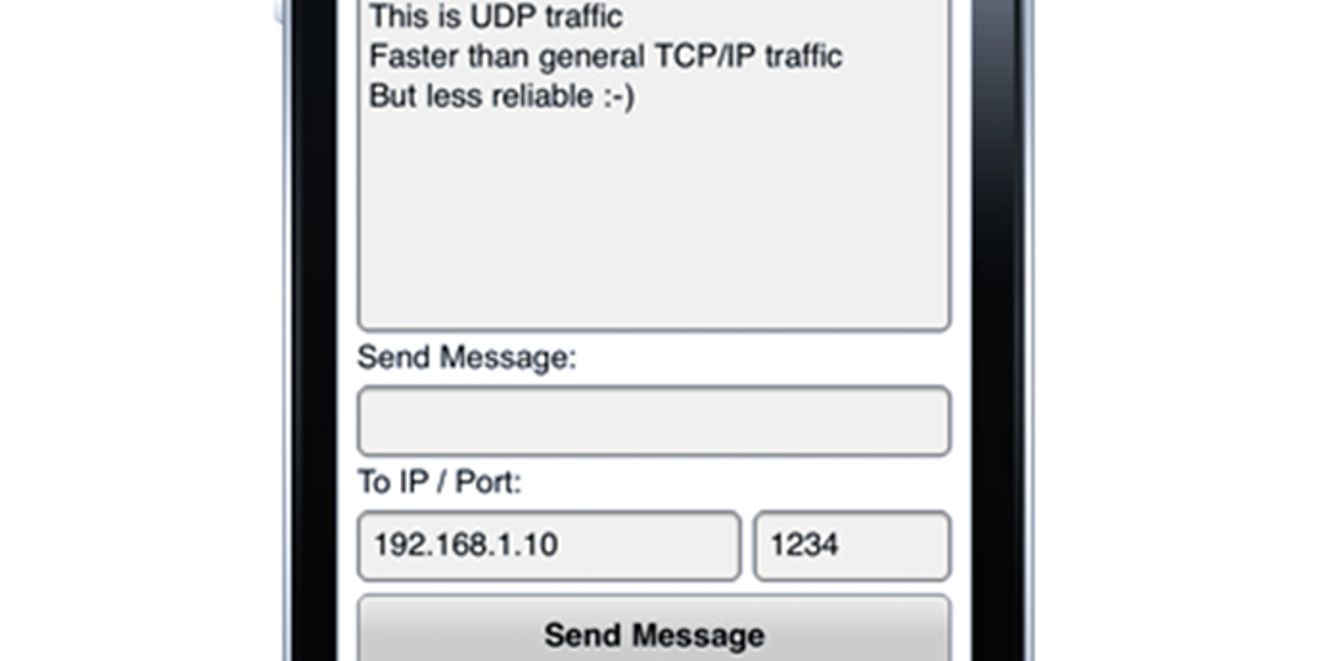
update: added Android support to the extension.
When you’re using a mobile device as a controller for an application or a game, you’ll want fast data transfers. Classic TCP/IP traffic over sockets is a bit slow, due to the nature of TCP/IP (packets are delivered in the correct order, the receiver sends a confirmation of reception to the sender for each received packet). The alternative is UDP: you’re not sure if the packet arrives, or in what order you packets will arrive at the destination, but because of that, there is less delay between the sender and the receiver of the packet.
AIR has a builtin class to handle UDP: flash.net.DatagramSocket. However, for some reason this is not available on AIR for mobile devices. I decided to write a native extension (only for iOS for now) to offer UDP functionality on AIR for mobile devices. I tried to use the same API as the DatagramSocket for AIR for Desktop, so the principles are the same.

To send packets over UDP, you’ll create an instance of the UDPSocket class (be.aboutme.nativeExtensions.udp.UDPSocket), and use the send method with a bytearray:
var udpSocket:UDPSocket = new UDPSocket(); var bytes:ByteArray = new ByteArray(); bytes.writeUTFBytes("Hello World"); udpSocket.send(bytes, "192.168.9.1", 1234);
To receive packets, you’ll use the bind(portnr) and receive() methods of the same class, and listen to a DatagramSocketEvent.DATA event:
var udpSocket:UDPSocket = new UDPSocket(); udpSocket.addEventListener(DatagramSocketDataEvent.DATA, udpDataHandler); udpSocket.bind(1234); udpSocket.receive(); protected function udpDataHandler(event:DatagramSocketDataEvent):void { trace(event.data); }
It will transfer whatever you put in the bytearray, so you can send native actionscript objects aswell if you want:
var bytes:ByteArray = new ByteArray(); var o:Object = {}; o.command = "MESSAGE"; o.content = "Hello World!"; bytes.writeObject(o); udpSocket.send(bytes, "192.168.9.1", 1234);
You can find the ane, together with the sources & demo on github: https://github.com/wouterverweirder/AIR-Mobile-UDP-Extension. The native extension id is “be.aboutme.nativeExtensions.udp.UDPSocket”. Stay tuned for the Android version The extension has been updated, and supports Android aswell now!


Thanks for sharing, look forward to your FITC 2012 session!
Can’t the same thing be done using RTMFP protocol, which works on AIR mobile projects as well?
I mean, did you not use RTMFP simply because it needs a CIRRUS server?
I am having some trouble. I have added the ANE to the build path and see it referenced under the Native Extension tab under the iOS packaging (though I had to manually select the “Package” checkbox). I also have the extension.xml associated with the project and I can see the nativelibrary *.a file referenced in the xml. However, I am not sure what I should so with the native library itself *.a file? Is there something I need to do to import or reference the file?
When I try to package the app for the iphone to I get an error saying that the implementation for the native extension was not found for the target platform. This is with the “Package” check box unselected under the Native Extensions tab.
If I select the check box and then package for the iPhone, I get an exception “Error within Debug UI” and details of “java.lang.reflect.Inovation.TargetException”.
Any ideas on what I am doing wrong?
John,
All you need is the ane file. Make sure you do the following:
- Add the ane file to your actionscript build path, both in the library path and the native extensions tab.
- Check the checkbox in the actionscript build packaging, to add the ane to the package
- Make sure everything is correct in your -app.xml. The extension id should be in there (normally this is added automatically), aswell as the extendedMobileDevice option in the supportedProfiles list:
<supportedProfiles>mobileDevice extendedMobileDevice</supportedProfiles>
<extensions>
<extensionID>be.aboutme.nativeExtensions.udp.UDPSocket</extensionID>
</extensions>
Thanks! I am still having an issue though – when I launch I get the java.lang.* exception. To clarify:
I added the ane to the native extension tab under build path (the one under udpsocket_0.2/ane)
I am not sure how to add the ane to the Library Path though…should I add the UDPSocket.swc there?
I selected the “package” option under the Apple iOS Native Extensions tab – though there is still an “x” under the “used” column.
Thanks a lot !
at be.aboutme.nativeExtensions.udp::UDPSocket()[E:00_WORK\cashRegisters\flashTest\be\aboutme\nativeExtensions\udp\UDPSocket.as:56]
at asa::main()[E:00_WORK\cashRegisters\flashTest\asa\main.as:73]
Not sure why I cant get this to work but when I go to publish my SWF before putting it into adt I am getting this error.
line 73 in main.as is udpSocket = new UDPSocket ;
added the line to xml, now i dont get the error, but the swf wont preview in flash pro and when i package it in adt and test on the iPad it just goes black, ugh. I’ll keep messing with it
Hey I keep getting this error:
Error occurred while packaging the application:
An implementation for native extension ‘be.aboutme.nativeExtensions.udp.UDPSocket’ required by the application was not found for the target platform.
any ideas?
Hi could u add Broadcast ability to the iOS Version of the Extension?
I think theres only following line missing:
[ssocket enableBroadcast:YES error:&e];
I tried to compile it but i cant get my ane files for iOS to work ^^
This is excelent! Would you consider enhancing it to include TCP sockets too?